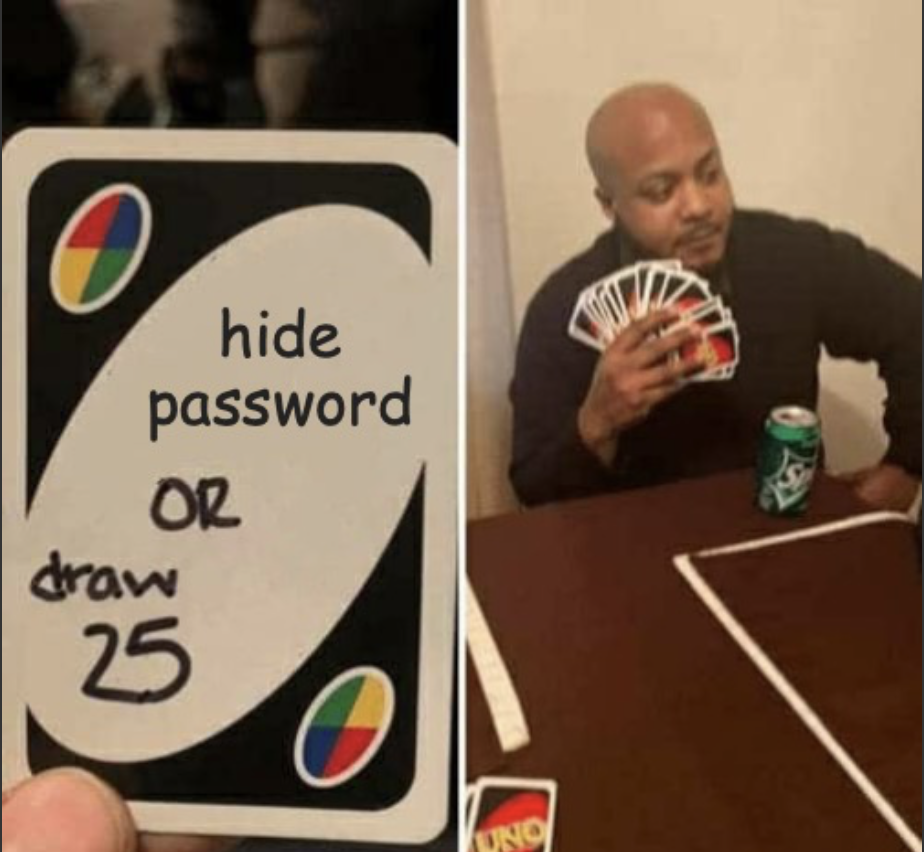
In today’s digital age, security is paramount. One innovative way to secure your passwords is by embedding them within images using a technique called stenography. In this article, I’ll guide you through the process of using DigiCloak, a user-friendly website designed for encrypting and storing passwords in images. I will also touch on the fascinating tech behind how it works. For this example, I will store the text “secret message” within the below image
Step 1 - Selecting an Image
Start by selecting an image that you want to use to store your password. This can be any standard image file, like a JPEG or PNG. The larger and more complex the image, the better, as it provides more room to hide data without noticeable changes.
Step 2 - Use Digicloak to Encrypt and Store the Password
Visit the DigiCloak website. Follow these steps to encrypt and embed your password:
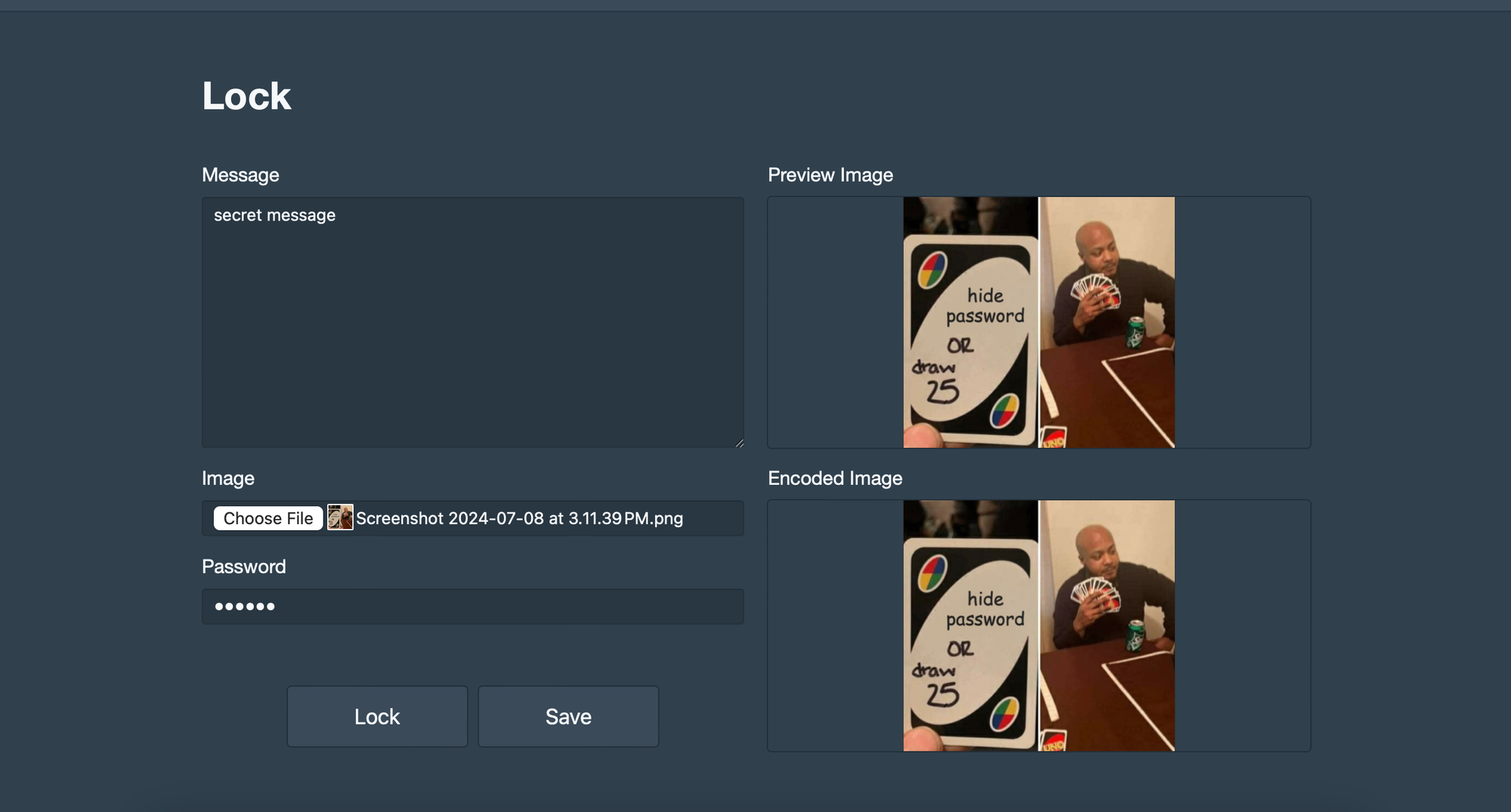
- Upload Your Image: Click on the upload button and select your image.
- Enter Your Password: In the provided field, type the password you want to store.
- Encrypt and Embed: Click the ‘Lock’ button. Digicloak will process the image and embed your encrypted password within it.
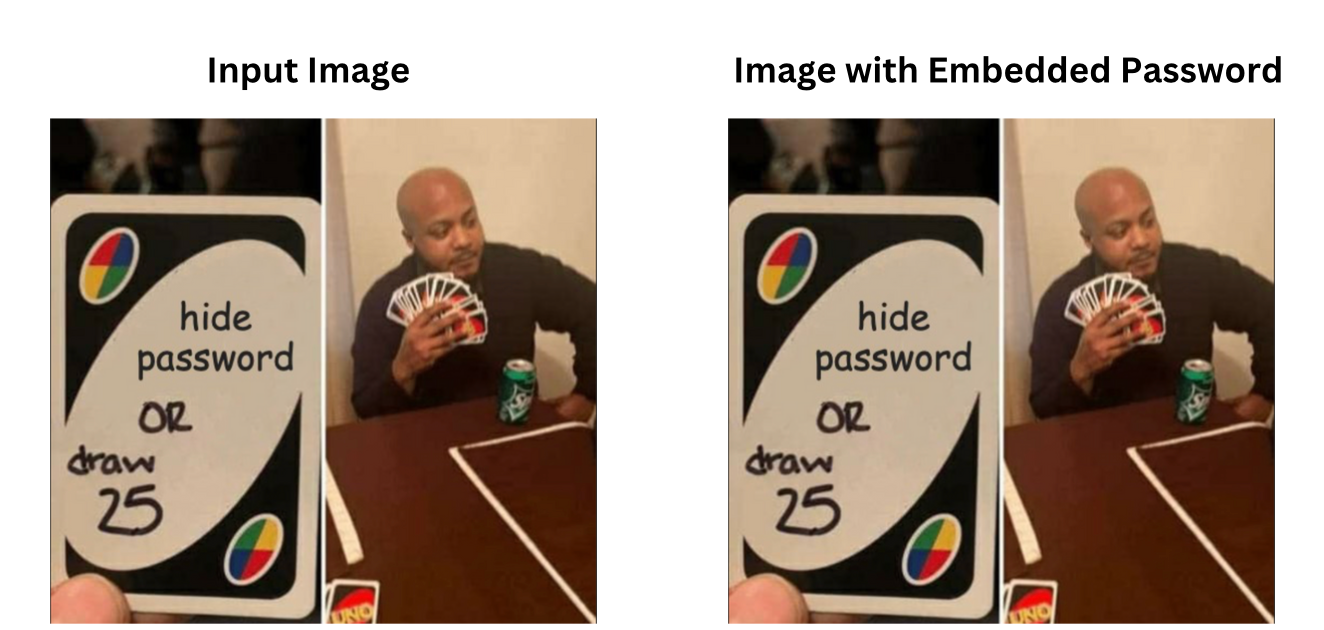
Once the process is complete, download the modified image. This image now securely contains your message
Step 3: Retrieve the Password
When you need to retrieve your password, return to Digicloak and follow these steps:
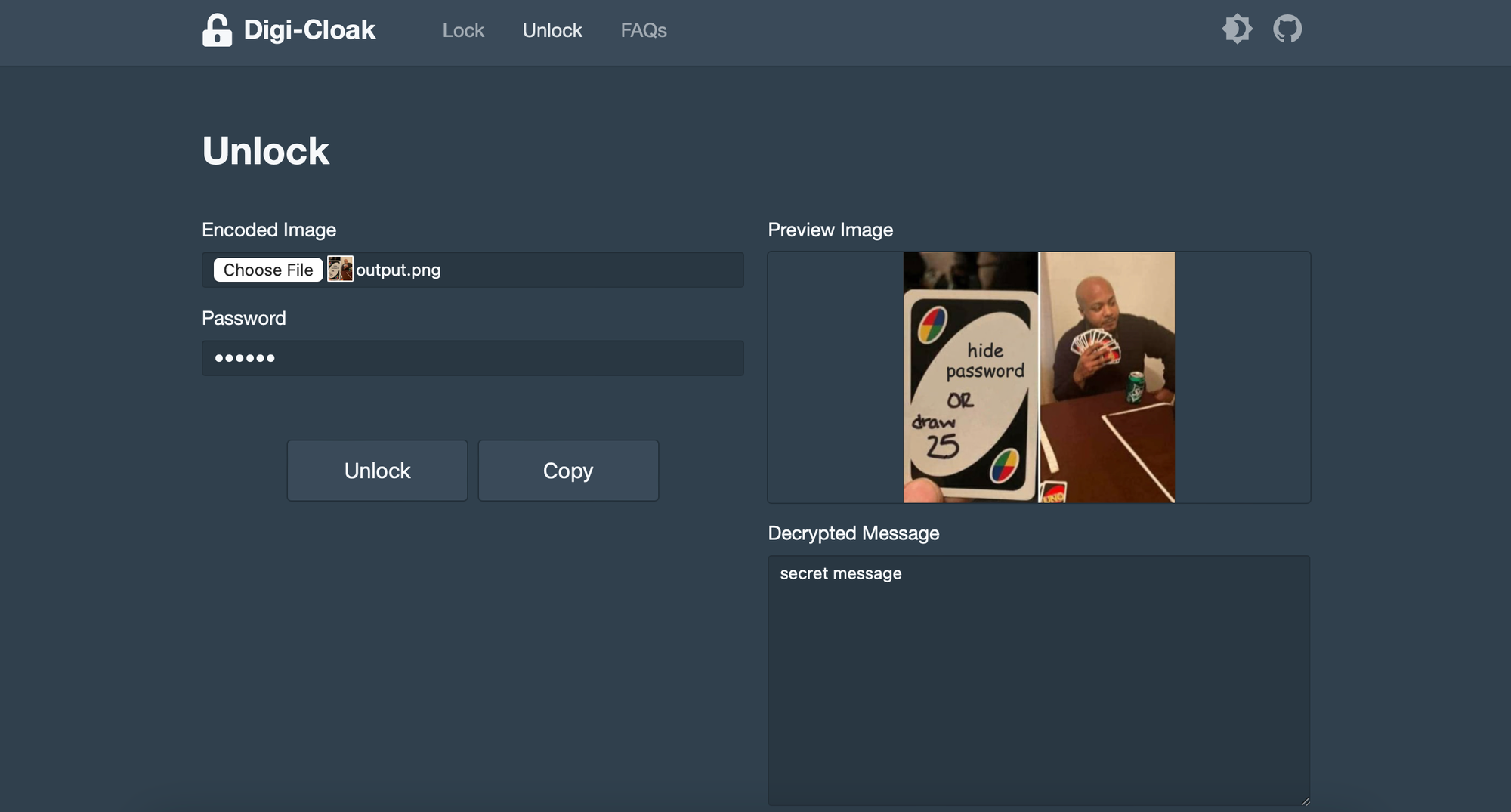
- Upload the Modified Image: Click on the upload button and select the image with the embedded password.
- Decrypt and Retrieve: Click the ‘Unlock’ button. Digicloak will extract and decrypt the password, displaying it for you in the text field.
How It Works
Stenography, the technique used by Digicloak, involves hiding data within an image in such a way that it’s invisible to the naked eye. Here’s a brief overview of the technology behind it:
- Data Embedding: Digicloak takes your password and converts it into binary data. This data is then embedded into the image’s pixel values. Typically, it alters the least significant bits (LSBs) of the pixels, ensuring the changes are imperceptible.
- Encryption: Before embedding, the password is encrypted. This adds an extra layer of security, making it difficult for anyone to extract and decipher the password without the proper decryption method.
- Decryption and Extraction: When retrieving the password, Digicloak reverses the process. It extracts the altered LSBs from the image, decrypts the binary data, and converts it back into the original password.
By following these simple steps, you can leverage Digicloak to keep your passwords safe and hidden in plain sight. Happy encrypting!