In this blog, I’ll showcase my go-to tools and how they’ve rescued me from the chaos of daily life. So, if you’re in need of some inspiration to whip your own digital life into shape, Let’s dive in! 🚀
My digital life is split into two parts: Personal and Work. I use different tools for each to make sure I split my work and personal life, and just to remain organized at all times.
Prices specified in this blog post for the various services I use are subject to regional pricing so may differ from region to region
Tool Set #1 - Personal
Fantastical
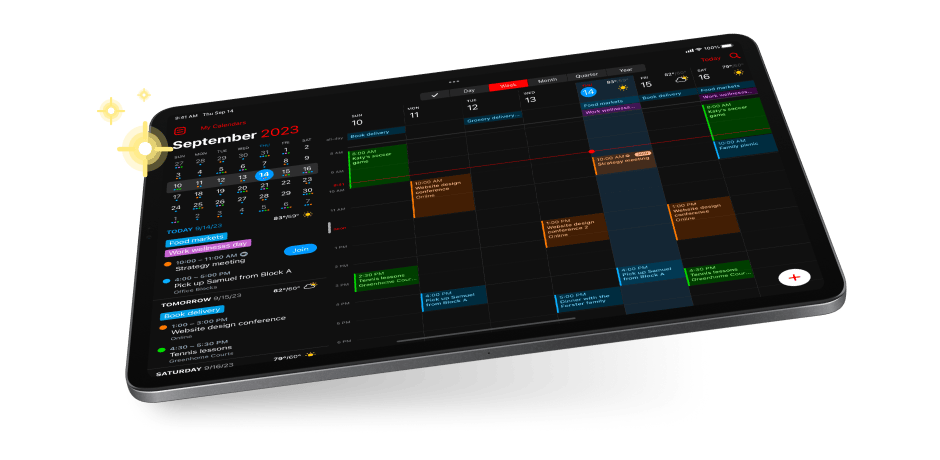
- Category - Calendar and Task Management
- Purpose - Calendar and task application for Mac and iOS, with useful language processing features. Has a nice calendar view which combines both tasks and events, and the natural language features can be combined with iOS shortcuts for some very cool automation features
- Pricing - Free with Paid Yearly Plan (4.75$ / month - billed annually)
- URL - https://flexibits.com/fantastical
Apple Mail
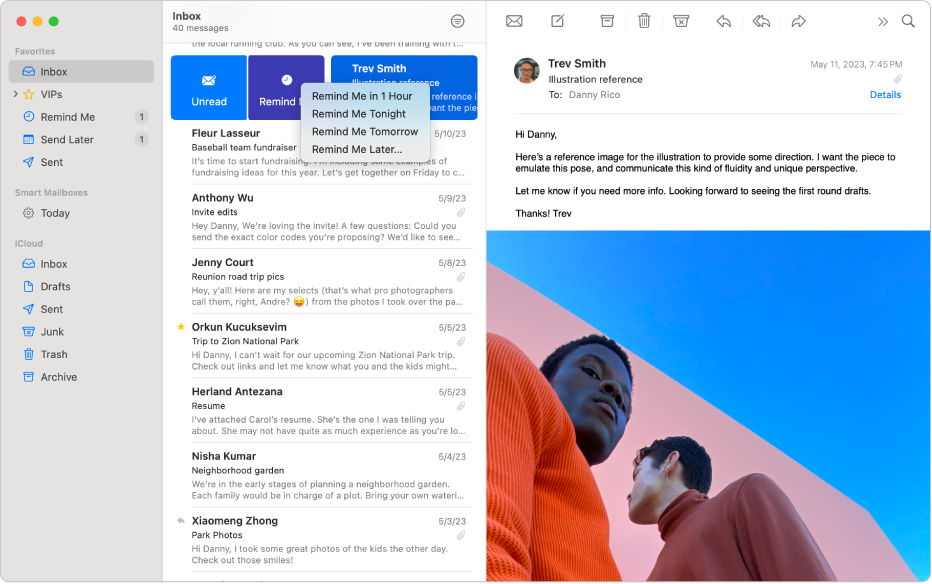
- Category - Mail
- **Purpose **- Mail application for Mac and iOS devices, nice simple interface and supports all types of email services
- Pricing - Free with Apple devices
- URL - https://apps.apple.com/us/app/mail/id1108187098
Notion
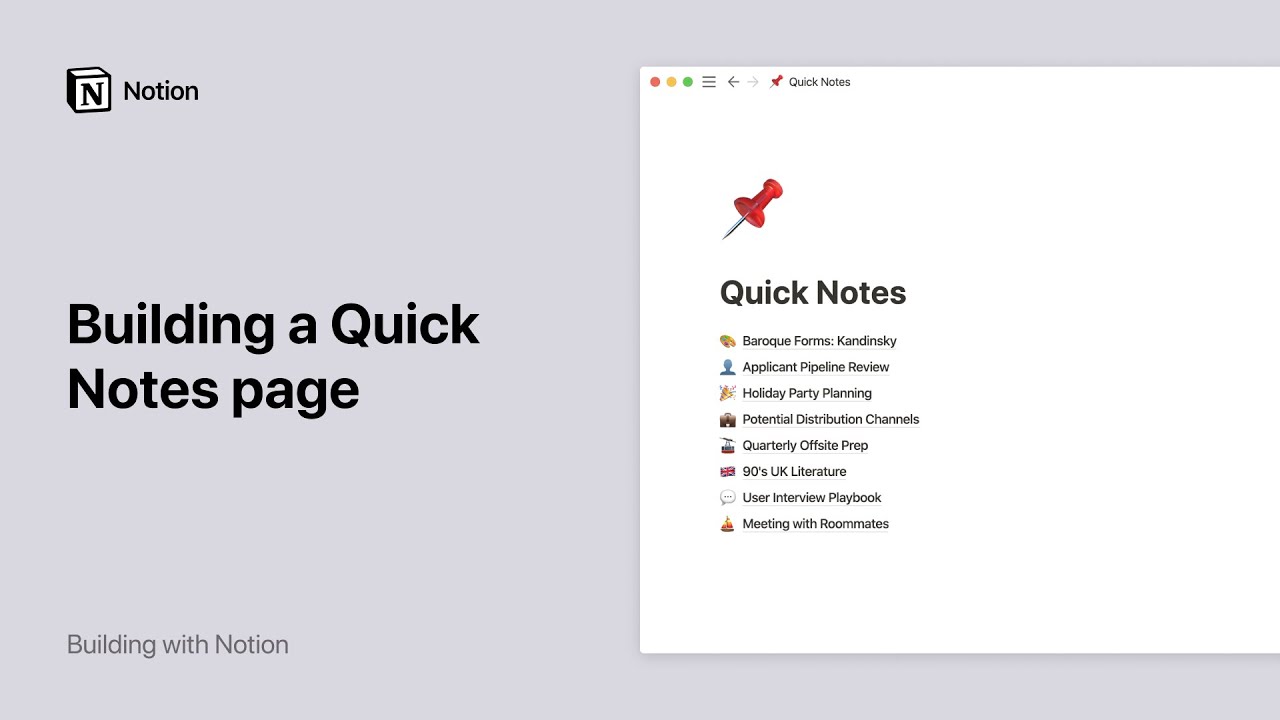
- Category - Notes
- Purpose - Personal note database with advanced editing features, and clients for mobile and desktop. Supports several advanced linking features and can be forged into a personal knowledge
- Pricing - Free with Paid Pro Plan (8$ / month)
- URL - https://www.notion.so/
Google Drive

- Category - Storage
- Purpose - Storage for personal folder and files, integrates directly with google sheets and google docs
- Pricing - Free with Paid Extra Storage Option (Pricing varies on storage)
- URL - https://www.google.com/drive/
iCloud Photos
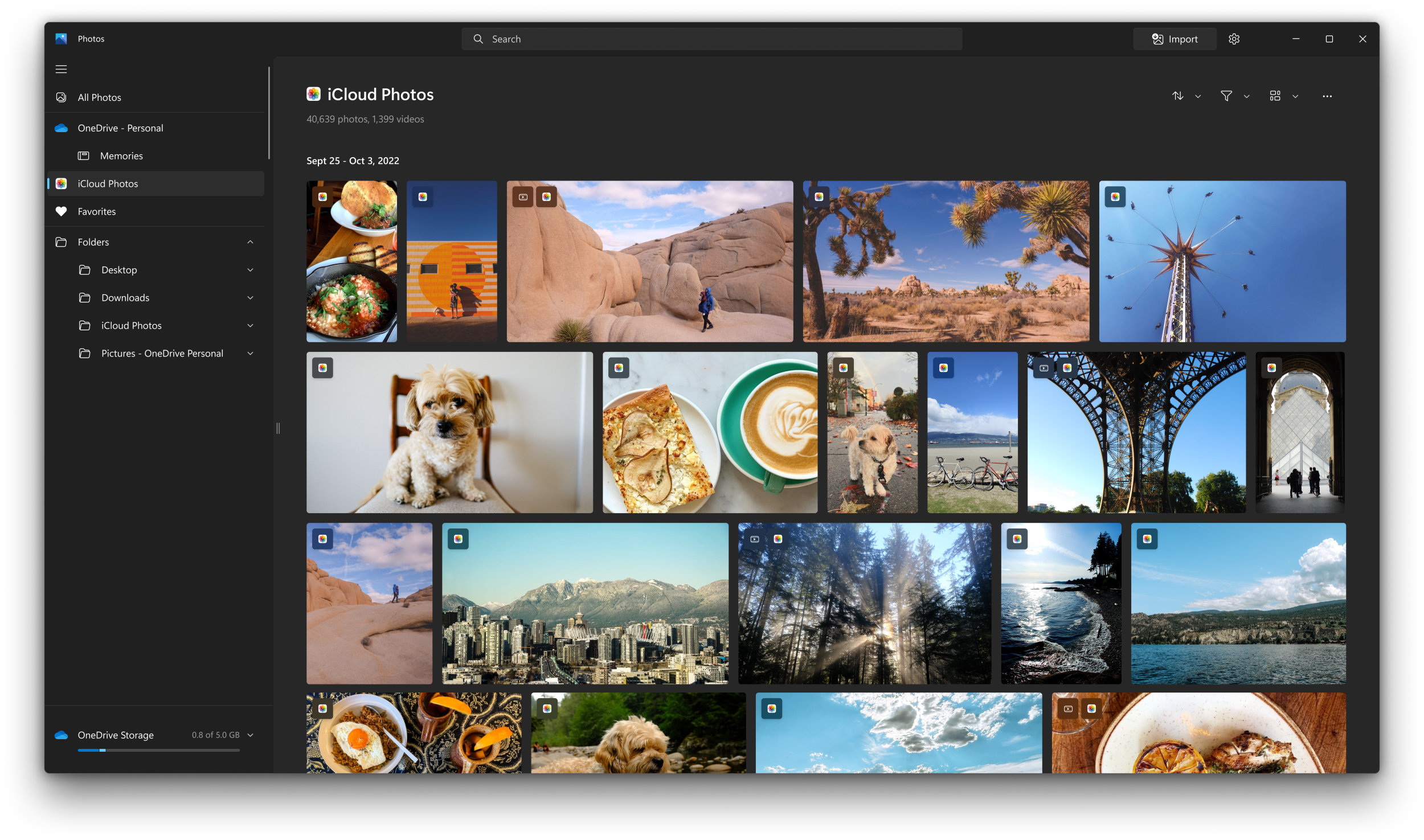
- Category - Photo Storage
- Purpose - Storage for personal photos, plays nicely with iOS and MacOS devices
- Pricing - Free with Paid Extra Storage Option (Pricing varies on storage)
- URL - https://www.icloud.com/photos
Day One

- Category - Personal Diary
- Purpose - Diary to store photos and write about key moments, has a nice calendar view and handy reminders every day
- Pricing - Free with Paid Yearly Plan
- URL - https://dayoneapp.com/
Sequel

- Category - TV Show Tracker
- Purpose - Application for iOS and M-based MacBooks to store and track TV show progress, get information and see reviews for shows, and get notifications for episode releases
- Pricing - Free with Paid Yearly Plan (3.5$ / month) or One-time Fee (108$)
- URL - https://www.getsequel.app/
Raindrop.io
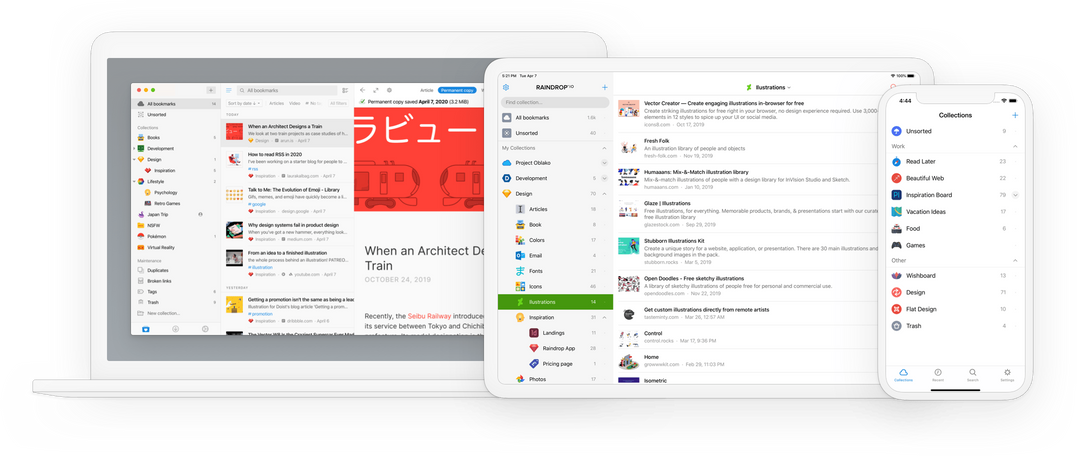
- Category - Bookmark Manager
- Purpose - Save and organize bookmarks for reading later, can be used on iOS and any desktop browser for easy saving and categorizing
- Pricing - Free with Paid Yearly Plan (32$ / year)
- URL - https://raindrop.io/
1Password
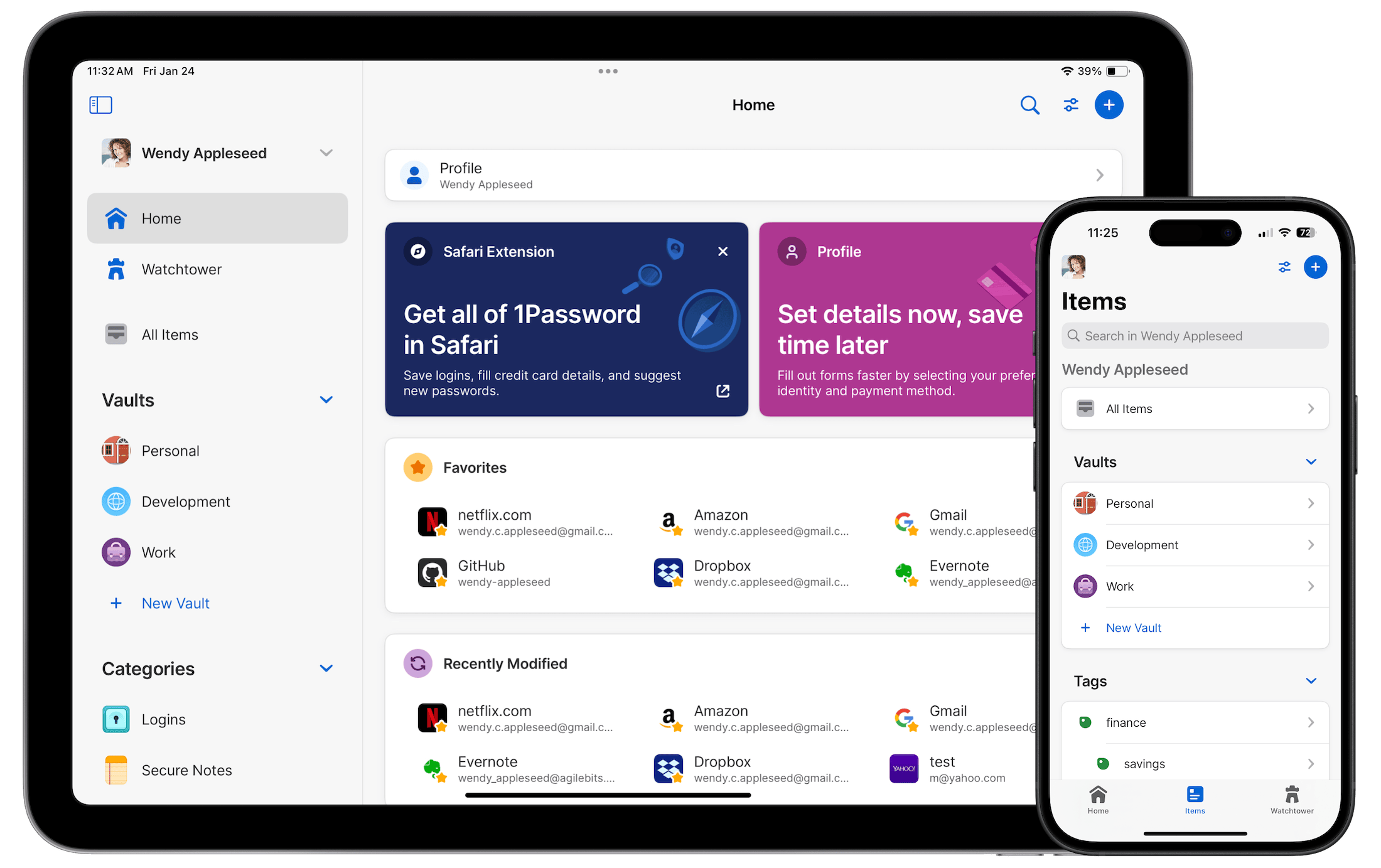
- Category - Password Manager
- Purpose - Secure password manager on all major devices with advanced features like password suggestions, secure vaults, and easy syncing across devices
- Pricing - Paid Yearly Plan (35$ / year)
- URL - https://1password.com/
TripIt
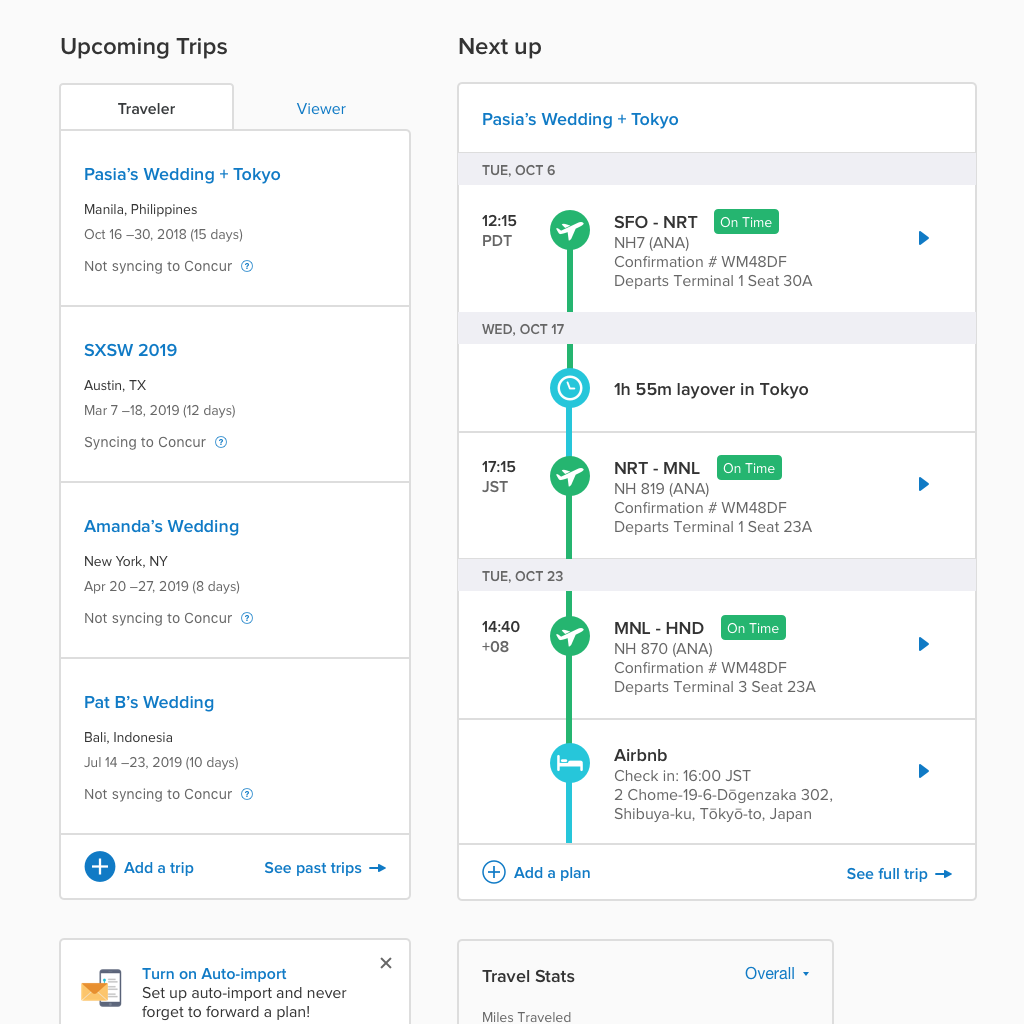
- Category - Flight Tracker / Manager
- Purpose - Track flights and get notifications for timing changes on iOS devices with syncing features for calendar apps
- Pricing - Free or Paid Yearly Plan (49$ / year)
- URL - https://www.tripit.com/web
GameTrack
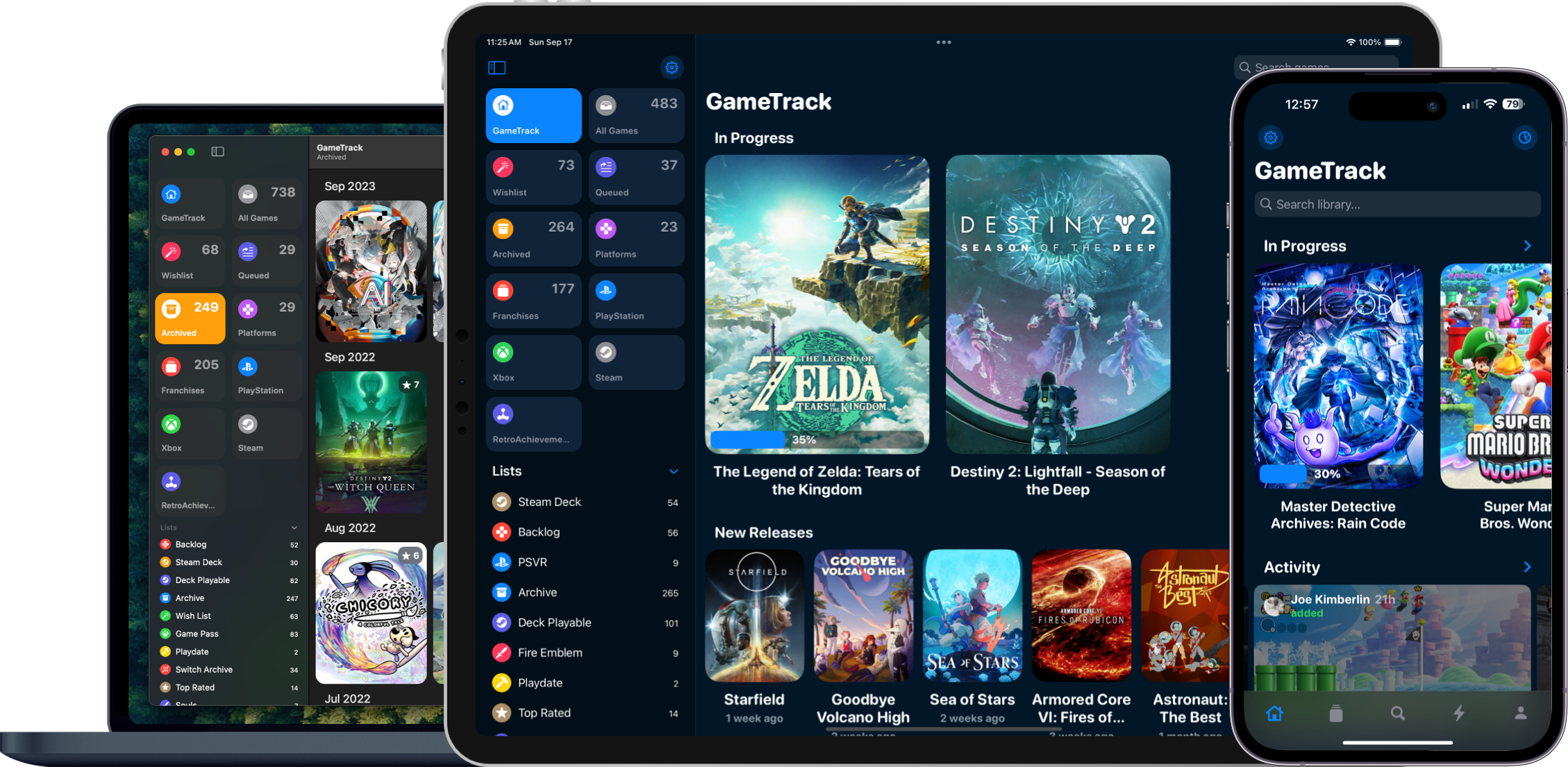
- Category - Video Game Tracker
- Purpose - Track gaming catalog including progress, completed games, and the ability to discuss and rate completed video games
- Pricing - Free with Paid Yearly Plan (4$ / month) or One-time Fee (109$)
- URL - https://gametrack.app/
Tool Set #2 - Work
Trello
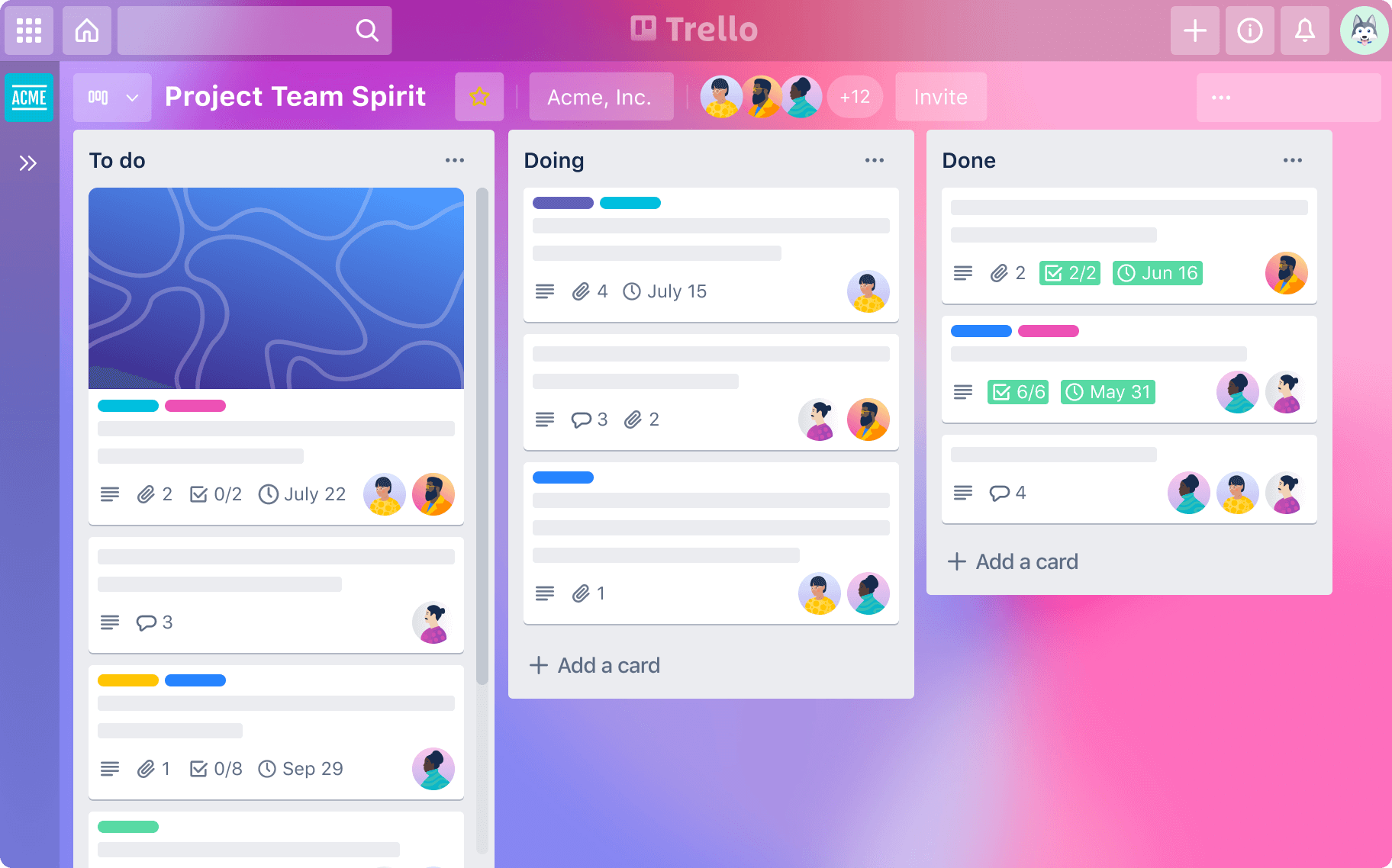
- Category - Task Management
- Purpose - I use Trello to organize my tasks clearly by category, assign tasks to different team members when applicable, and track the status of all tasks
- Pricing - Free or Paid Pro Plan (5$ / month)
- URL -https://trello.com/
Bitwarden
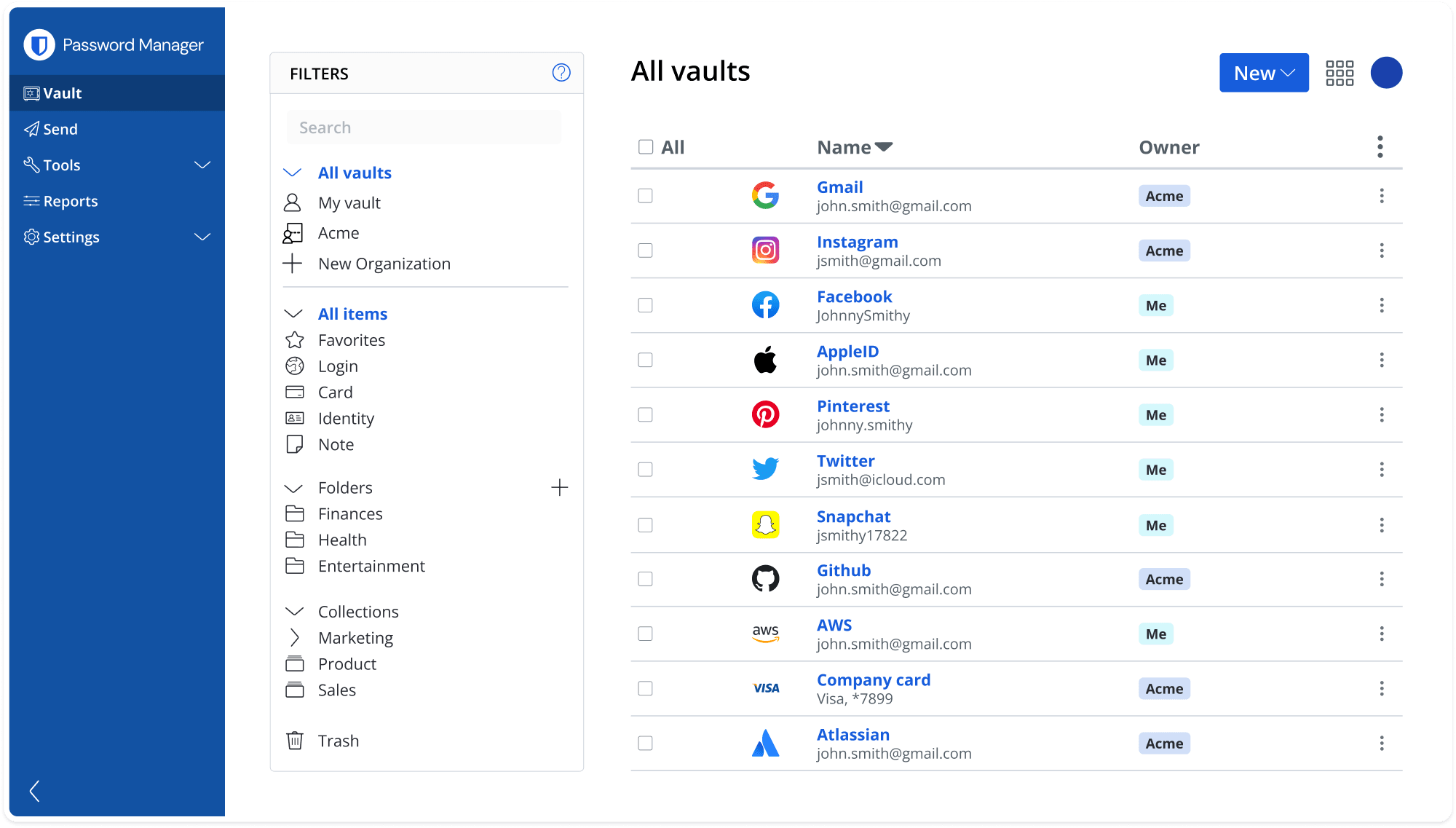
- Category - Password Manager
- Purpose - Store passwords for work related accounts into one consolidated account, can be viewed either from the browser extension or the iOS app
- **Pricing - **Free with Paid Yearly Plan (10$ / year)
- URL - https://bitwarden.com/
Microsoft Office Suite

- Category- Office Tools / Communication
- Purpose - Microsoft Word, PowerPoint, and Excel for developing documents, presentations, and spreadsheets, Teams for communicating with team members and conducting calls, and One Note for notes
- **Pricing - **Microsoft Office License
- URL - https://www.microsoft.com/en-us/microsoft-365/products-apps-services