What is Astrogrep?
Astrogrep is a windows application built on the grep UNIX utility. Grep is a UNIX program which searches within files for keywords via the command-line
It provides a nice user-friendly GUI layer above the grep utility to make it easier for people to search files without delving into the command line
Astrogrep is open-source as well, under the GNU Public License
Installing Astrogrep
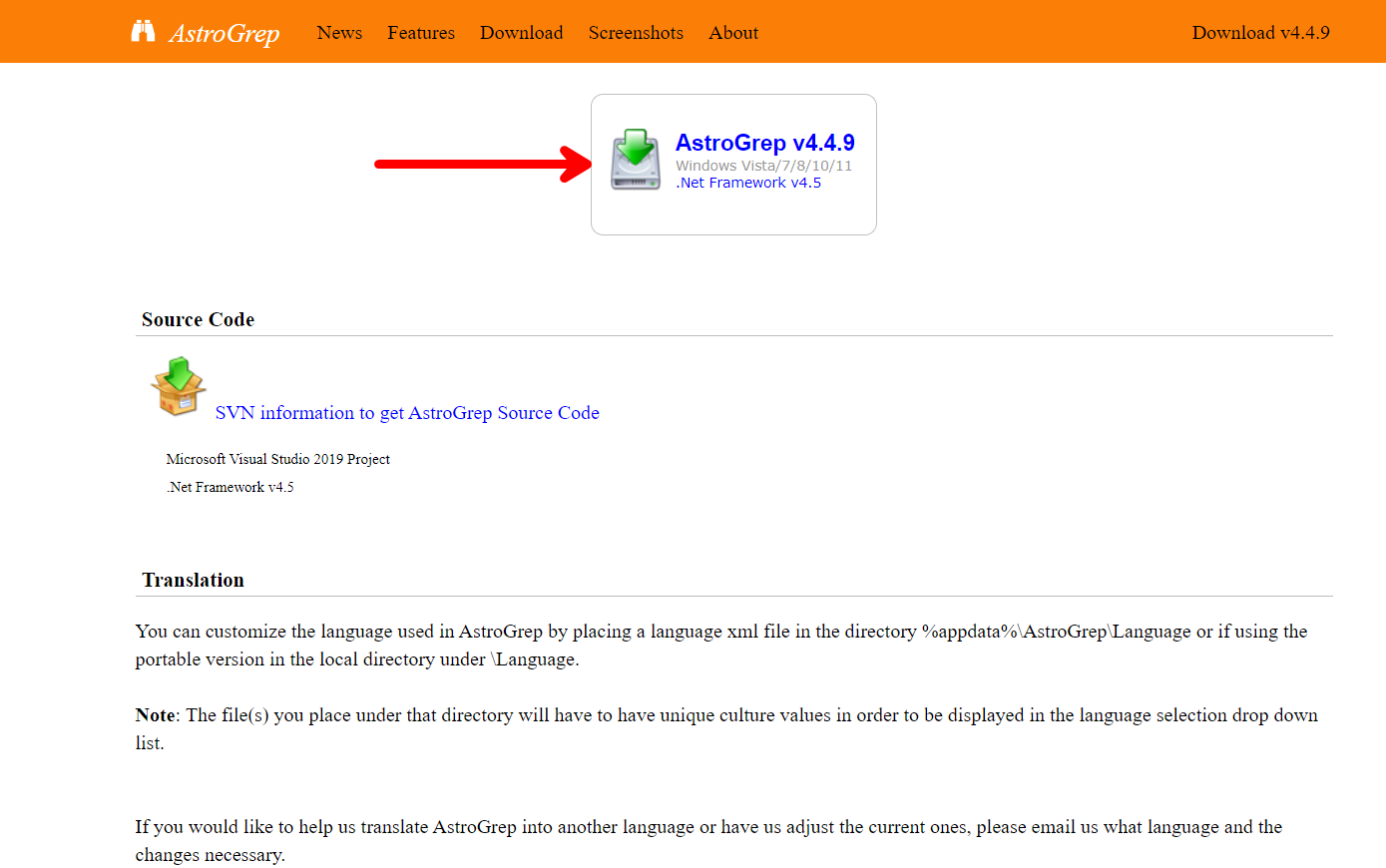
On the Astrogrep Website, download the astrogrep exe file and install it onto your computer. To get started, make sure all the folders you want to search are in a folder or consecutive folder. Astrogrep supports many different file types including word documents and regular text files, and additional plugins can be installed for further support and features
Searching Multiple Files
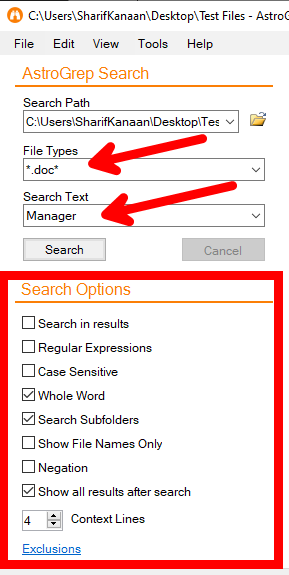
To get started, you need to tell Astrogrep where the files are located. In the Search Path parameter, put the folder path inside the “Search Path” parameter.
For file types, put the desired extension with a * to catch all file names, or if you are familiar with regex, insert the regex statement in its place. As a simple example, to catch all word documents, use the following phrase:
- *.docx
For search options, the software provides extra options to fine-tune the search including using regular expressions as stated above, searching for whole words only, searching subfolders for recursive search, etc.
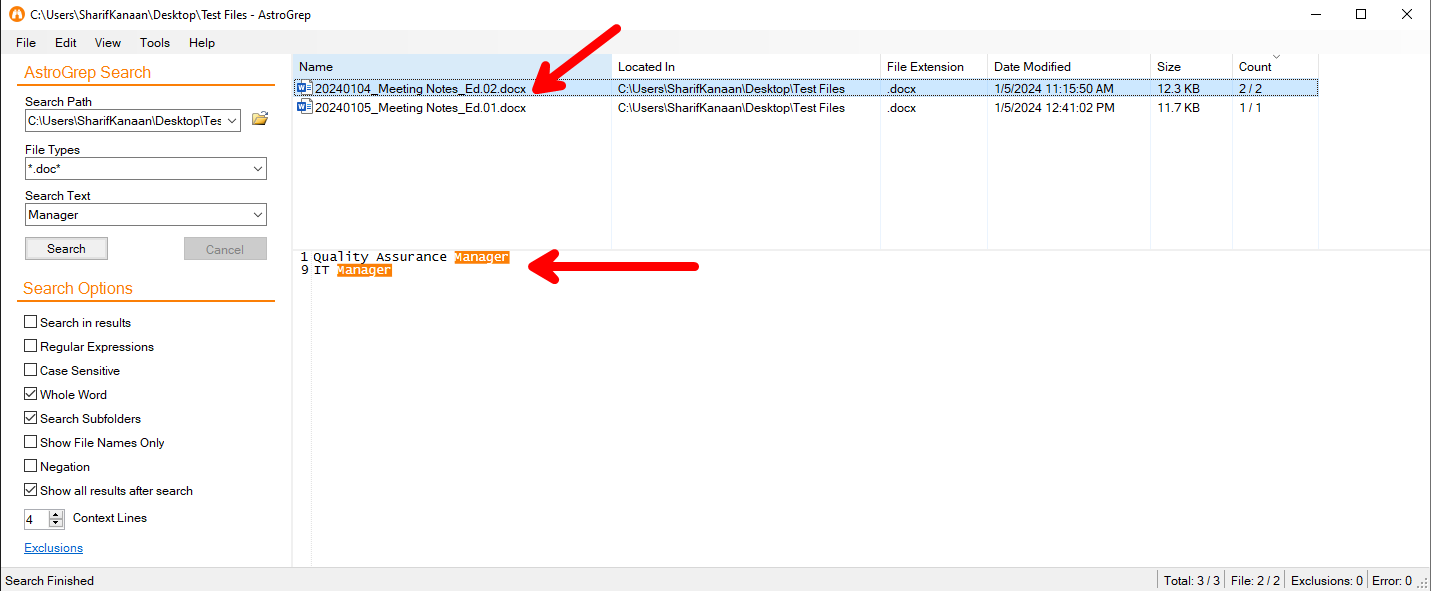
Once a search takes place, the results will be shown with what phrase was caught, where it is located and how many times this occurs
Limitations
Astrogrep has a few limitations, mainly in the fact that the files it supports are limited, and that search can sometimes take a long time if the search is done recursively and the number of files is large.
Overall, Astrogrep is a great tool to use to automate mass searching for files from an intuitive GUI quickly and efficiently.